Load race data
Bring in a LiveRC race, complete event, archive, practice session, or manual table.
Turn LiveRC results into a complete race review.
Replay the event, compare drivers, identify lost time, build a racing history, and record the setup used.
Bring in a LiveRC race, complete event, archive, practice session, or manual table.
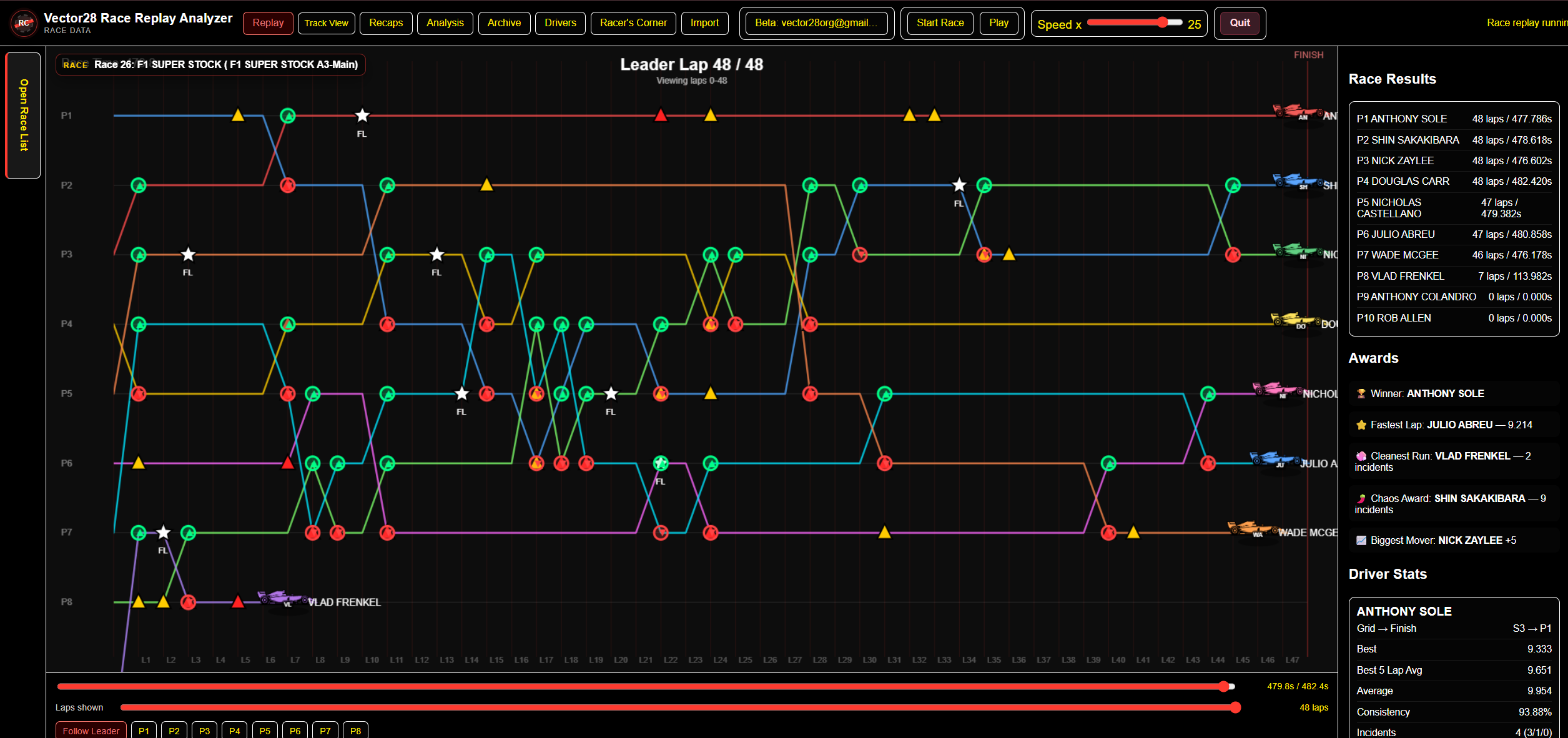
See positions, gaps, incidents, fastest laps, and results develop across the run.
Compare pace, consistency, traffic, mistakes, position changes, and driver history.
Save recaps, archive the event, and document cars, setups, conditions, and test runs.
Vector28 calculates the race facts first, then gives you several ways to understand them.
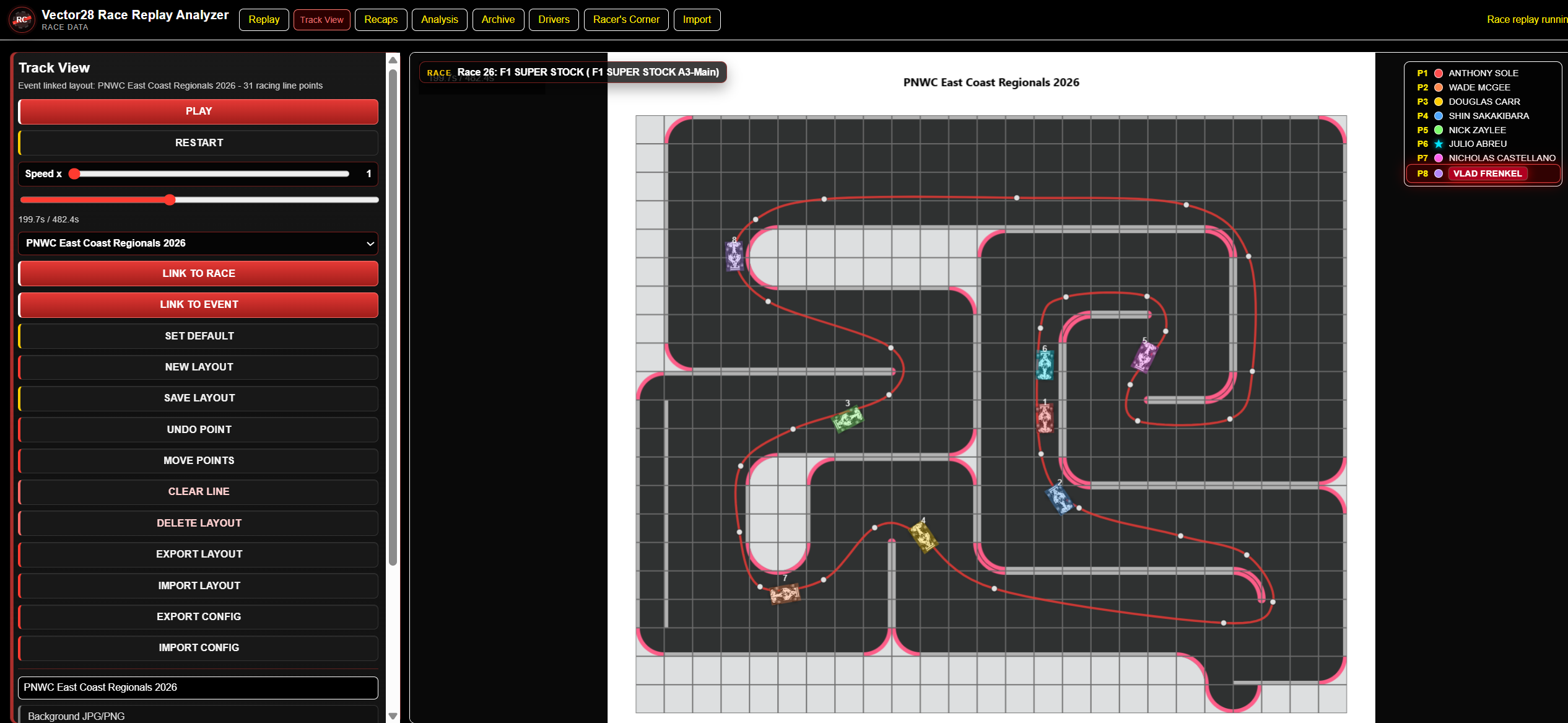
Follow the timing replay or connect the race to a saved track layout. Watch position changes and key incidents happen in context instead of reading a static result.
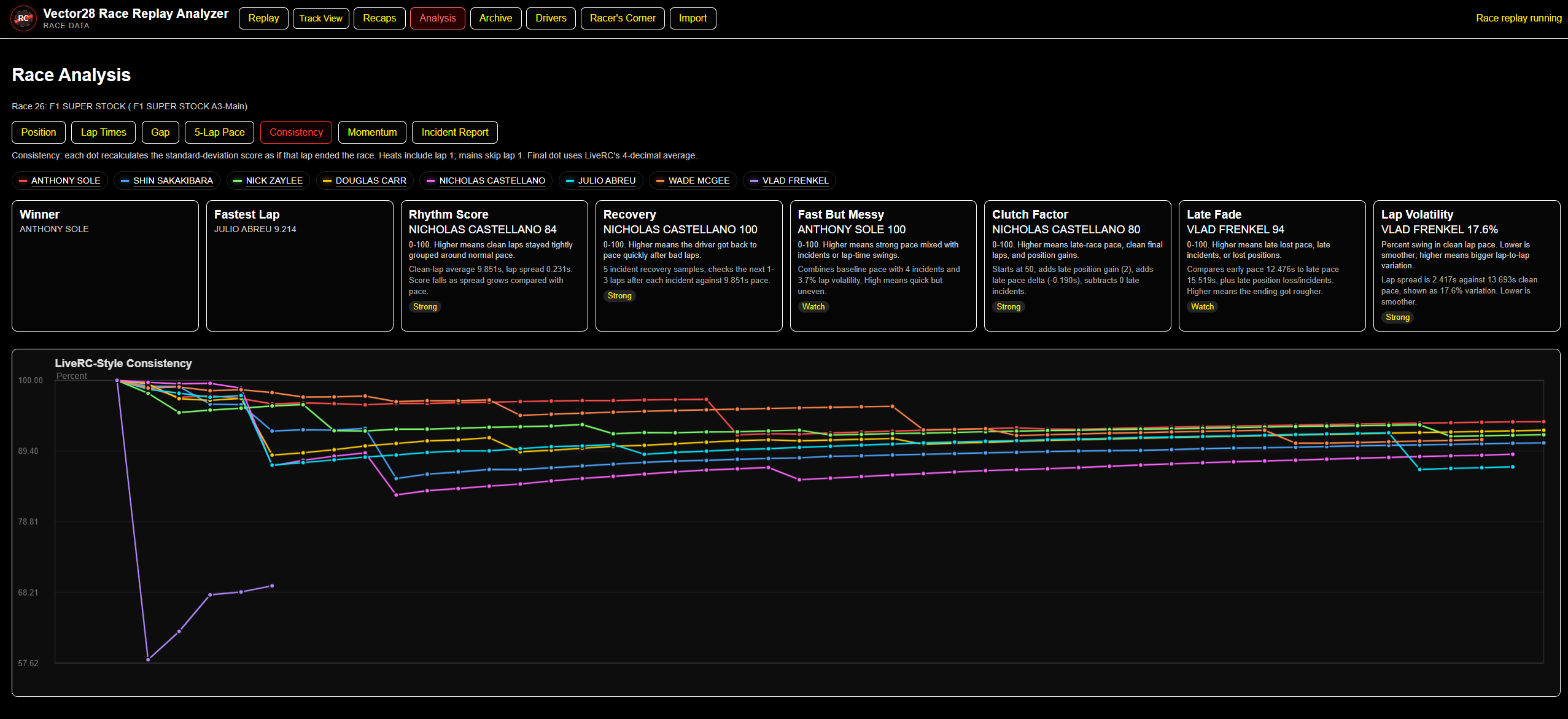
Separate raw pace from repeatability, incidents, traffic, and late-race changes. Search saved events, resolve driver identities, compare histories, and ask exact archive questions.
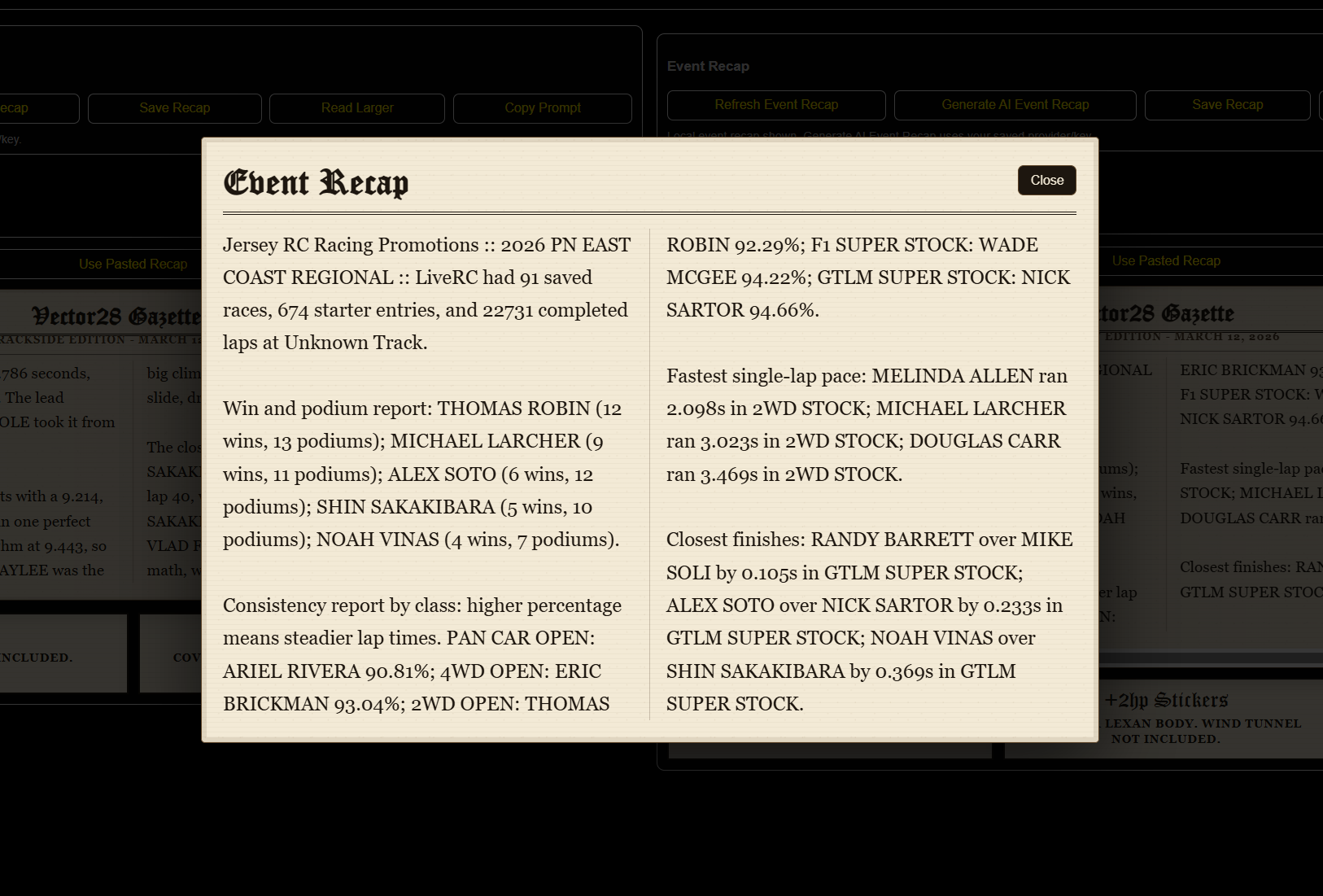
Generate local summaries or optional AI-assisted technical, light-roast, and spicy recaps. Vector28 prepares the calculated evidence before the recap is written.
Record cars, digital setup sheets, test runs, track conditions, and driver feedback while the feature continues to evolve during beta. Durable cross-platform setup backup and automatic race-to-setup linking are planned, not yet automatic.
Watch the current walkthrough before downloading, then use Tutorials & News for future guides.
Uses a local Node server and SQLite archive. The current beta is a portable ZIP rather than a signed Windows installer.
Stores its archive privately on the phone. The APK is sideloaded because Vector28 is not yet distributed through Google Play.
Windows and Android archives do not automatically synchronize. Use archive export and import when moving saved events between devices.
These are official Vector28 beta files hosted through Dropbox. Windows users extract the ZIP before launching. Android users may need to allow installation from their browser or file manager.
First formally numbered public beta. Version history begins with this build.
Established race replay, track layouts, archive, driver lookup, analysis, practice comparison, event recaps, and the initial Android app.